This Tutorial is all about PUBG PC Gaming which you can play Live using Your PC or Laptop. It’s size is 23.5GB. And You need an account on STEAM and this game is not Free. You have to Pay Rs999 for this PUBG PC Version Games and it’s not Free like PUBG Mobile.
- FOR Playing PUBG PC GAME visit https://store.steampowered.com/
- Then Signup on STEAM
- Then Search PUBG games in its Library
- Select the game
- after that you will see the Price of the game which is 999 INR
- If you want to buy proceed by feeling your bank information.
- once checkout you just need to download the game which is 23.5 gb.
System Configuration requirements to Play PUBG PC Game
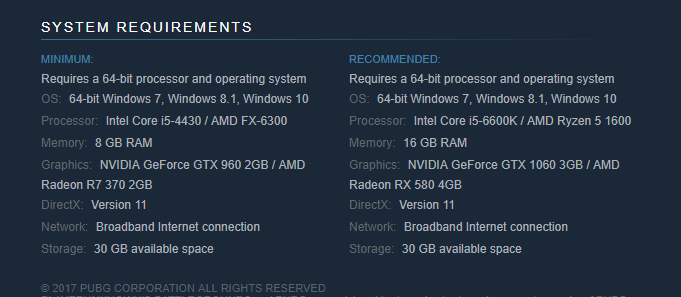
PUBG PRICE LISTING


Different Format of PUBG available for PC Users only.

STEAM Community activity
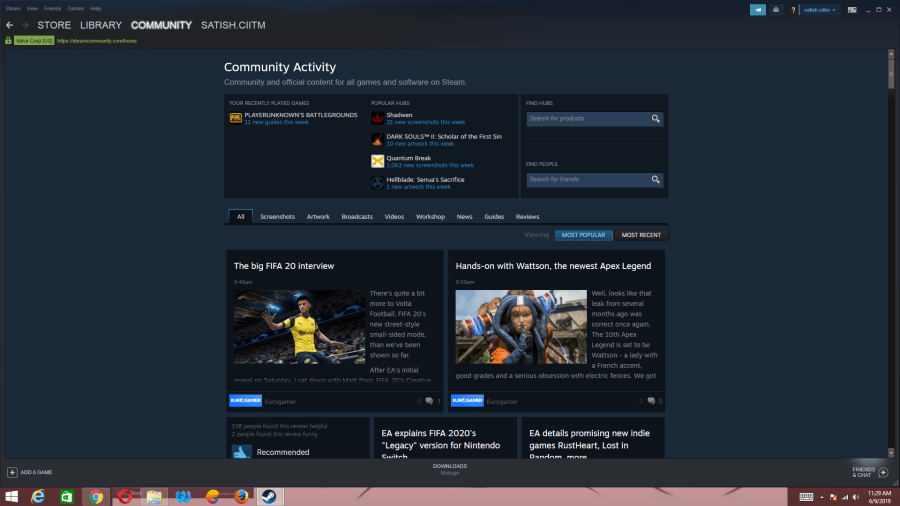
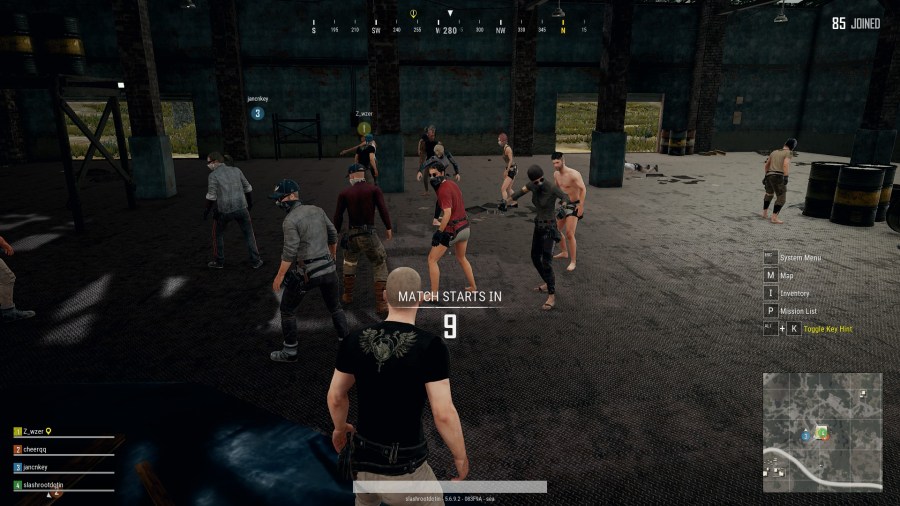
A Look of PUBG PC Gaming When it’s Start
-
See its graphics and Picture quality which is superb.
-
Its has amazing sound effect which makes you feel real.

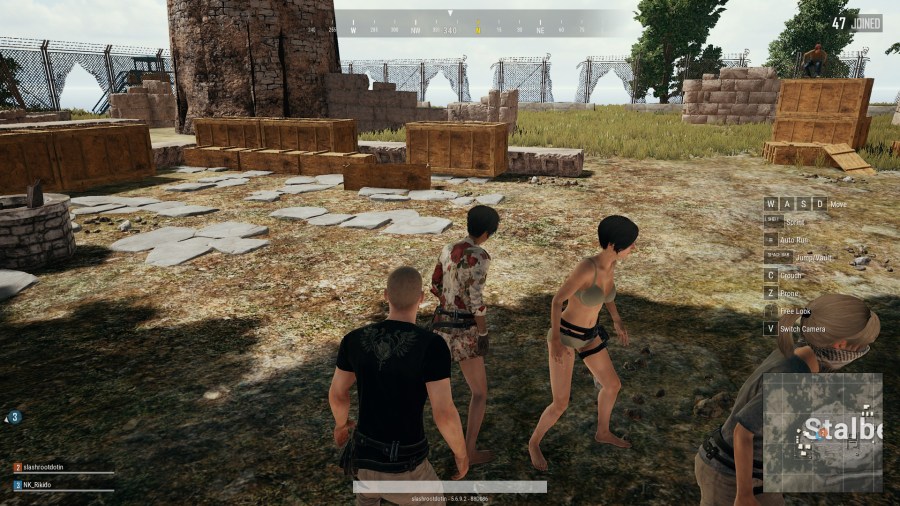
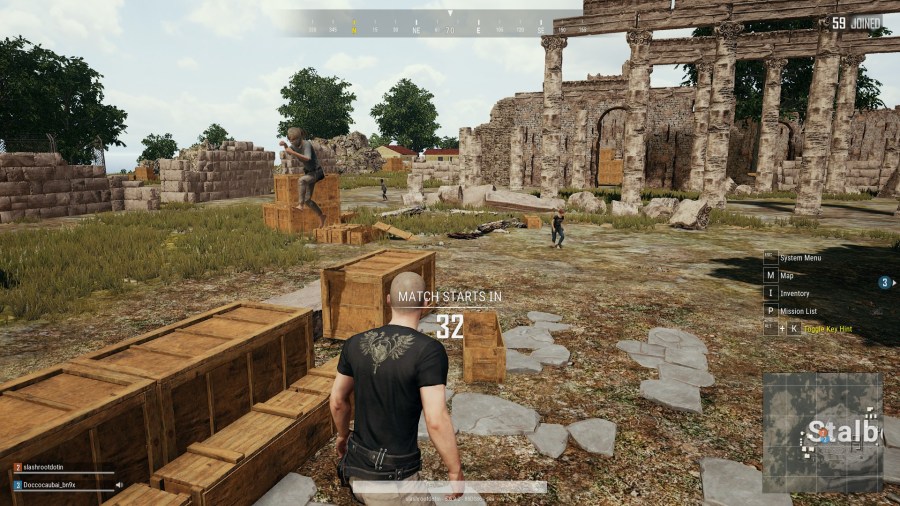
PUBG PC is quite Different from PUBG Mobile.
It’s not a game Now but It’s a hackers game now. You can see and feel it below Video.
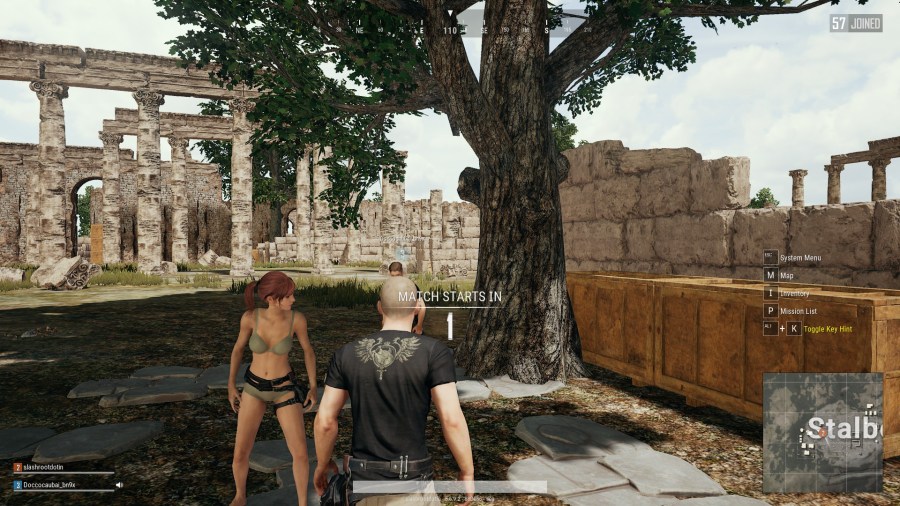
LANDING and MAP Location on PUBG PC GAMING

Images Just Before Starting PUBG GAMES
You can clearly Feel the Difference between Mobile Vesrion and PC Version.
The Images in PUBG PC Version are Crystal Clear.

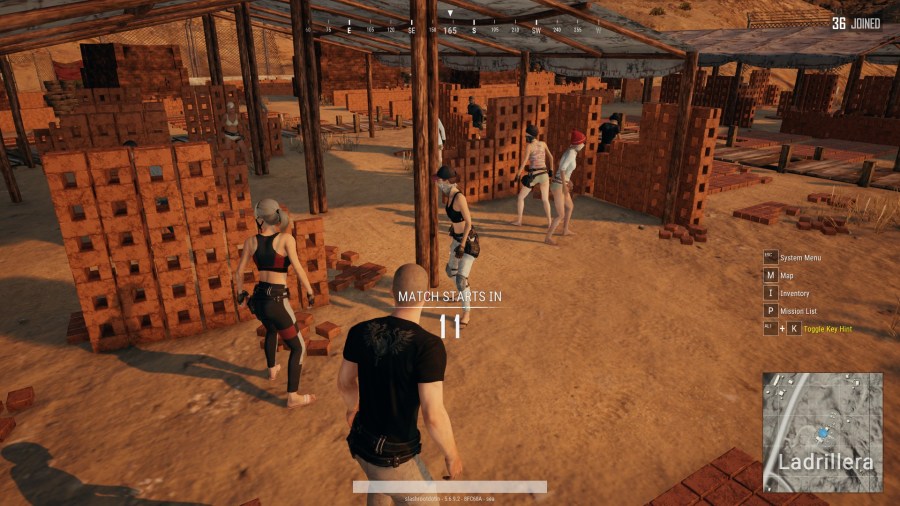
See the Custom Games Played using dedicated Server in PUBG

Learn How to USE Death Camera in PUBG PC Version Played through Steam

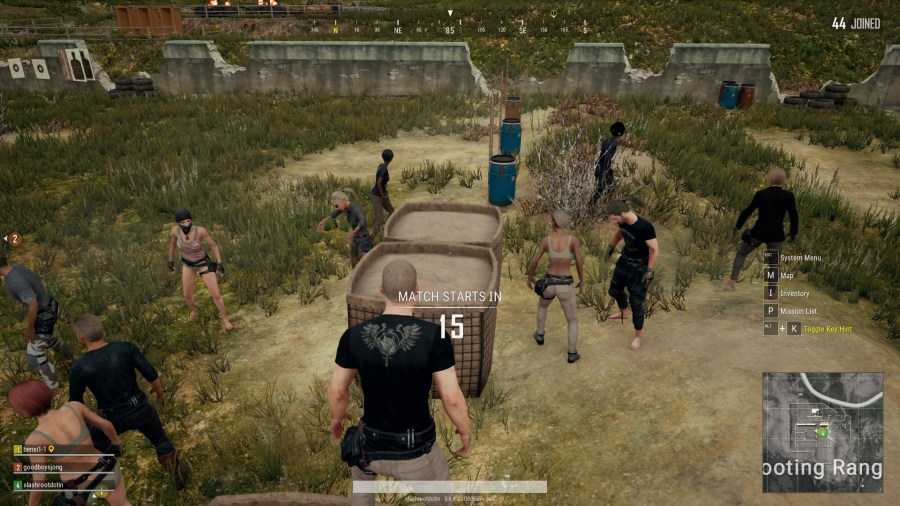
PUBG PC Version Live Streaming
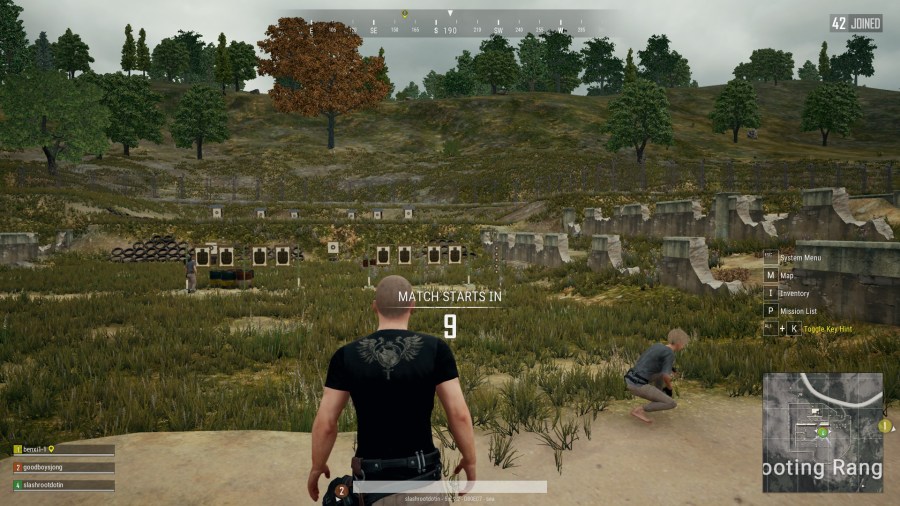
PUBG KEY GUIDE
this will help you to play PUBG PC games in easy way.

PUBG Inventory is different for different people according to your game play.

Discover more from Learn Linux CCNA CCNP CEH CISSP CISA Penetration-Testing Bug Bounty IPv6 Cyber-Security Network-Security Online
Subscribe to get the latest posts sent to your email.
 Learn Linux CCNA CCNP CEH CISSP CISA Penetration-Testing Bug Bounty IPv6 Cyber-Security Network-Security Online